

Podcasts are like the modern-day radio shows, but without the annoying commercials and questionable music choices. With an iPhone in hand, anyone can dive into a world of endless stories, expert interviews, and hilarious banter. Whether you’re commuting, cooking, or just pretending to work, there’s a podcast for every moment.
Overview of Podcasts
Podcasts serve as a popular alternative to traditional radio shows, providing unique content without commercials. Audiences enjoy a broad selection of topics, including storytelling and expert interviews. Diverse genres attract various listeners, catering to interests that span from education to entertainment.
Accessibility plays a significant role in podcast popularity. Users easily access podcasts on devices like the iPhone, allowing them to listen anytime, anywhere. While commuting, cooking, or exercising, individuals can consume engaging content that fits seamlessly into their routines.
Listeners appreciate the ability to subscribe to their favorite shows, ensuring they never miss an episode. This subscription model enhances user experience, offering notifications for new releases. Moreover, podcasts often build communities around shared interests, enabling discussion and interaction among fans.
Variety defines the podcast landscape, enabling creators to connect with niche audiences. Platforms feature shows on finance, health, technology, and storytelling, highlighting the medium’s versatility. Overall, podcasts continue to grow in popularity, enriching entertainment and educational experiences for users around the globe.
Getting Started with Podcasts on iPhone
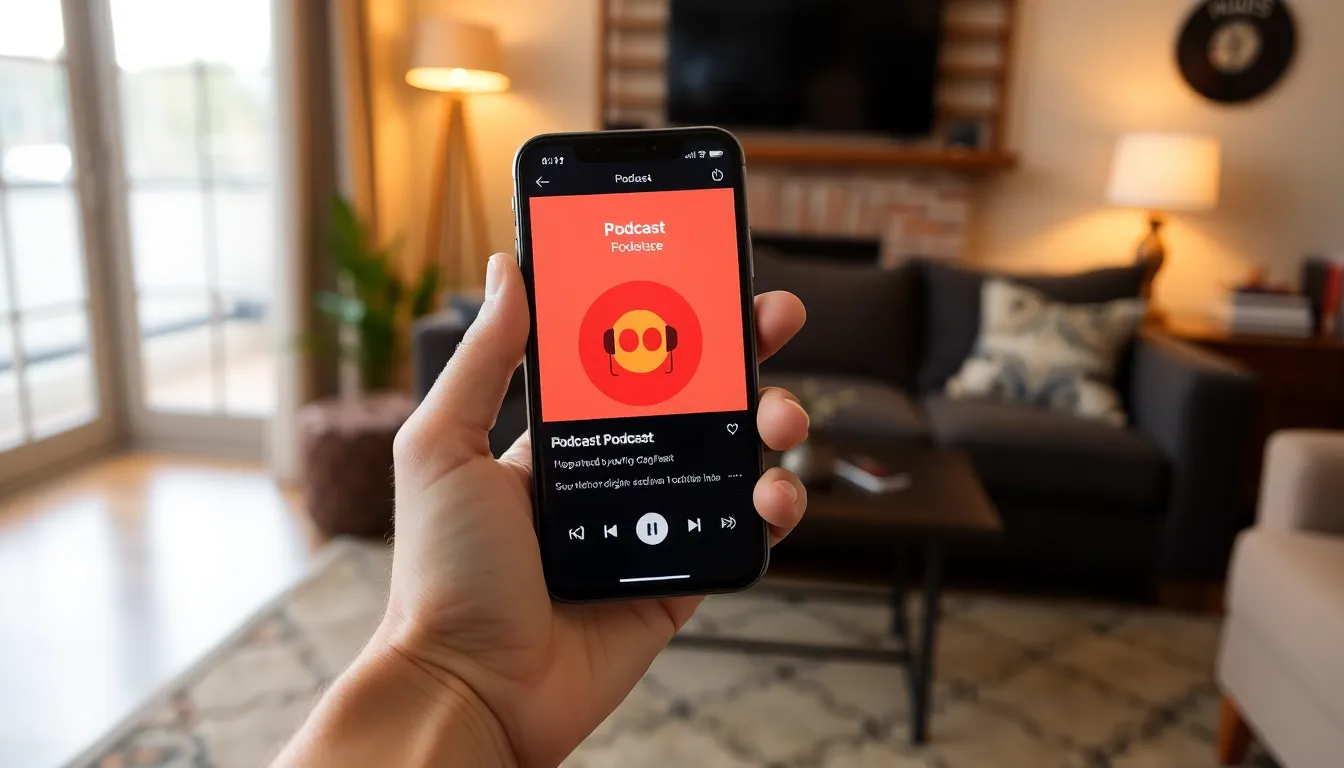
Podcasts offer an engaging way to consume content on an iPhone. Users can easily access their favorite shows with a few simple steps.
Downloading a Podcast App
Select a podcast app from the App Store, such as Apple Podcasts, Spotify, or Overcast. Apple Podcasts comes pre-installed on most iPhones, making it convenient. Spotify also provides a user-friendly experience, focusing on music and podcasts. Overcast offers unique features like Smart Speed, which enhances listening efficiency. After downloading, open the app and set up an account if required.
Finding and Subscribing to Podcasts
Search for podcasts by entering keywords in the app’s search bar. Users can explore categories or browse curated lists for recommendations. Once a desired podcast appears, selecting it reveals episode details and show information. To subscribe, tap the subscribe button for automatic updates on new episodes. Notifications ensure listeners stay informed, enhancing the podcast experience.
Watching Podcasts on iPhone
Podcasts offer a rich listening experience on iPhones. Various applications enhance accessibility and user engagement.
Using Apple Podcasts
Apple Podcasts provides a user-friendly interface for discovering and subscribing to podcasts. Users can find shows by entering keywords in the search bar. Featured collections make browsing easy, and personalized recommendations cater to individual interests. To subscribe, tap the “Subscribe” button on a podcast page. Notifications for new episodes come automatically, ensuring the latest content is always accessible. Apple’s seamless integration with Siri allows users to control playback with voice commands, enhancing convenience for multitasking.
Exploring Third-Party Podcast Apps
Third-party podcast apps offer unique features that enhance the listening experience. Popular options include Spotify, Overcast, and Pocket Casts, each with distinctive interfaces. For instance, Spotify integrates podcasts with music, providing a comprehensive audio platform. Overcast stands out with its Smart Speed feature, which optimizes listening time without sacrificing content clarity. Pocket Casts excels in customization, allowing users to tweak playback speed and skip silence. Users can browse curated lists or explore top charts to discover new shows. These alternatives expand the variety of podcasts available on iPhones.
Tips for Enhancing Your Podcast Experience
Enhancing the podcast experience on an iPhone involves utilizing app features and managing the podcast library effectively.
Utilizing Features and Settings
Explore the features and settings available in podcast apps. Apple Podcasts offers options to adjust playback speed for a quick listening experience. Users can set sleep timers to avoid listening longer than intended. Notifications help keep track of new episodes, while offline downloads allow for uninterrupted access. Customizing the interface improves navigation through favorites or frequently listened podcasts. Experimenting with different settings enhances engagement and personalizes the listening experience.
Managing Your Podcast Library
Organizing the podcast library allows for easier access to content. Users can create playlists to group favorite episodes by theme or subject. Archiving listened episodes helps keep the library decluttered. Subscribing to specific shows ensures automatic updates on new content. Ratings can provide a way to manage preferences for future listening. Users should regularly review their subscriptions, removing any that no longer interest them to maintain an enjoyable experience.
Podcasts have transformed the way people consume audio content. With the convenience of an iPhone users can easily access a vast array of shows that cater to every interest imaginable. Whether it’s for entertainment or education there’s a podcast for everyone.
Utilizing user-friendly apps like Apple Podcasts or Spotify enhances the listening experience. Features like voice control and personalized recommendations make it simple to discover new favorites. By managing subscriptions and exploring app settings listeners can tailor their experience to fit their lifestyle.
As the podcasting landscape continues to evolve it’s clear that this medium will remain a staple in the world of entertainment and information. Embracing podcasts on an iPhone opens up a world of engaging content waiting to be explored.